 The ADHD Teacup
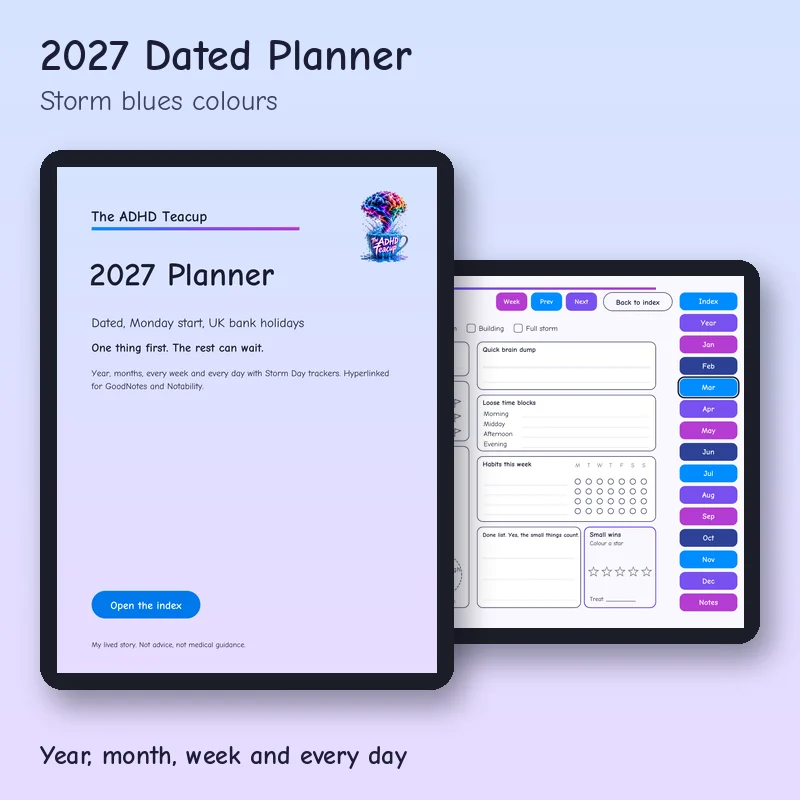
2027 Dated Planner
£9.99 £7.49 25% launch sale
Launch sale price ends 4 December 2026.
From one ADHDer to another, let's make our lives better.
A tappable 2027 planner with the year, 12 months, 53 weeks and every single day, each day with my Storm Day trackers. The weekly only version is included too.
I wanted one planner for the whole year that still starts every day with one thing. Tap a month on the year page, then a day on the month page, and you are there. Every day has my Storm Day trackers. Weeks run Monday to Sunday, with bank holidays for England and Wales marked. Messy week? Pick up any page and start again.
This is my 2027 planner for tablets. The year links to every month, every month links to its days, and every day starts with the one thing that would make it feel okay. The weekly only version comes in the same zip.
Each colour is its own zip with a portrait PDF and a landscape PDF.
What's inside
- Cover and a clickable index
- Start here page with my storm scale and a support line
- 2027 at a glance
- 12 month pages
- 53 week pages, Monday start
- 365 day pages: the ONE thing, top 3, body basics, brain dump, loose time blocks, done list and small wins
- Tap trackers every day: mood, water, meds and meals, habits, energy left and a Done enough today stamp
- Bank holidays for England and Wales marked
- 10 Notes pages
- Also included: the weekly only version
What you get
- Pick one colour: Storm blues, Teal and navy, Soft pastels or Rainbow
- One zip in your colour with the full planner and the weekly only planner, each in portrait and landscape
- 444 page PDF, hyperlinked, big tap targets
- How to import guide included
- A big file, so download it on wifi
How to set it up
This is how I get it onto my iPad in GoodNotes. It takes about a minute. Android tablets work the same way with Samsung Notes, Xodo or Noteshelf, and the guide in your zip covers those too.
Open the iPad install guide (PDF)
Works with
Works with GoodNotes, Notability, Noteshelf, Xodo and other PDF annotation apps on iPad. On Android tablets, use Samsung Notes, Xodo, Noteshelf or Flexcil. The tabs and links work in all of them. The tap to fill boxes need an app that fills in PDF forms, such as Xodo or Noteshelf. In GoodNotes and Notability, tick the boxes with your pen instead. E Ink versions are sized for Kindle Scribe and reMarkable.
This is a digital download. Nothing will be posted to you. Prices include VAT where it applies. My lived story. Not advice, not therapy, not medical guidance.
You might also like
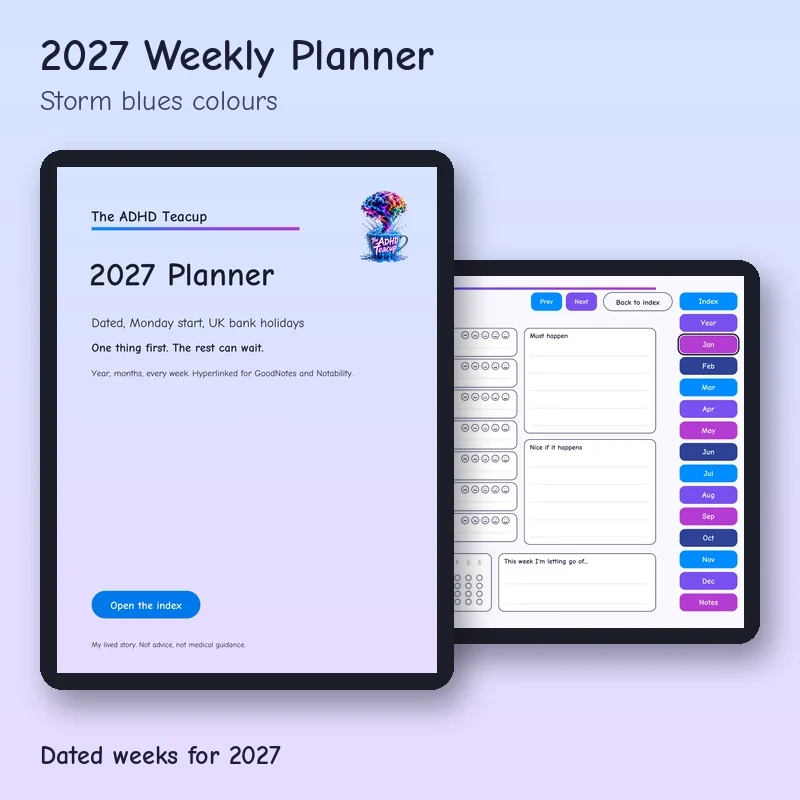
2027 Weekly Planner
Dated weeks for 2027, without the daily pages.
£5.99 £4.49
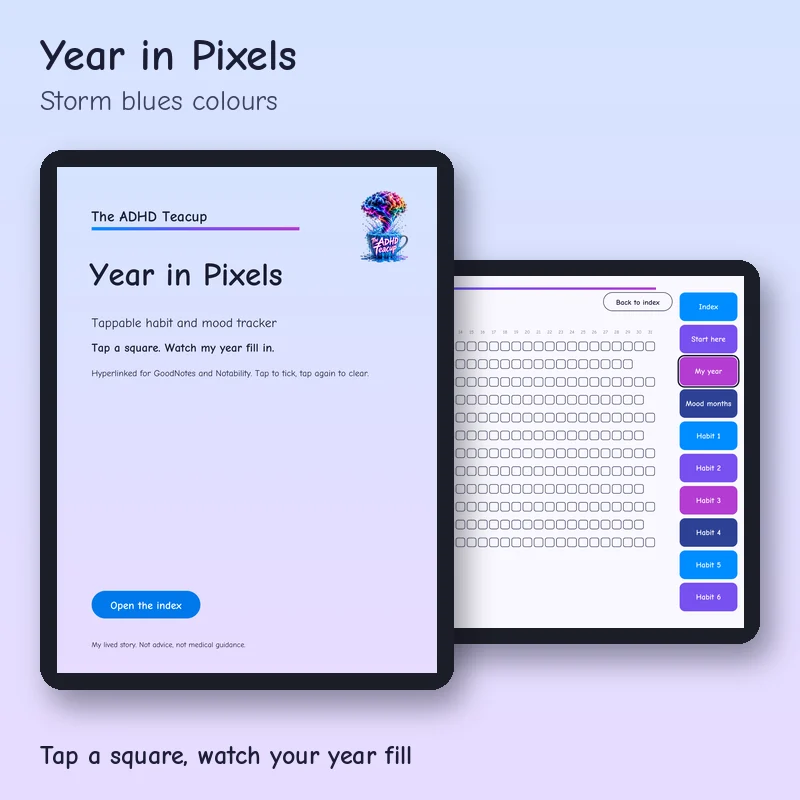
Year in Pixels
One square a day. Tap it and watch your year fill in.
£4.49 £3.37
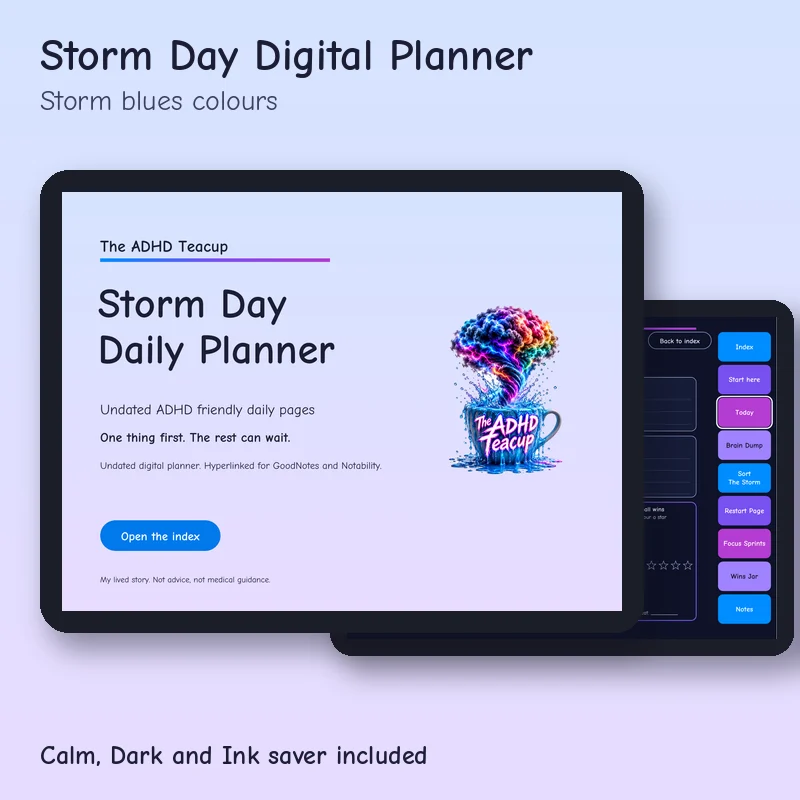
Storm Day Digital Planner
My Storm Day pages, hyperlinked for GoodNotes and tablets.
£8 £6